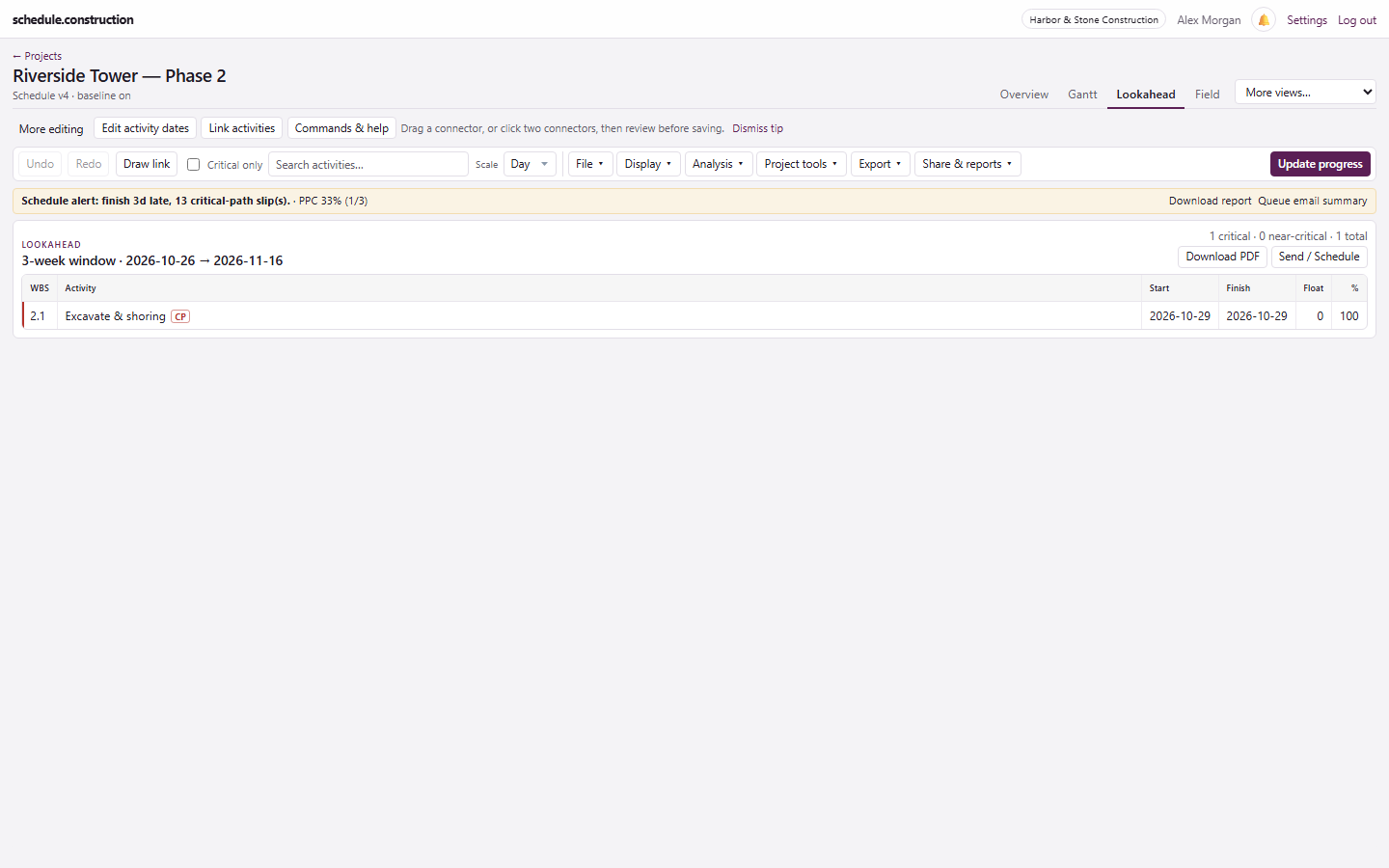
Three-week lookahead software that reads from the live schedule
Stop retyping the schedule into a spreadsheet. The lookahead uses the same dates as the CPM schedule, so the weekly meeting and the master schedule stay aligned.
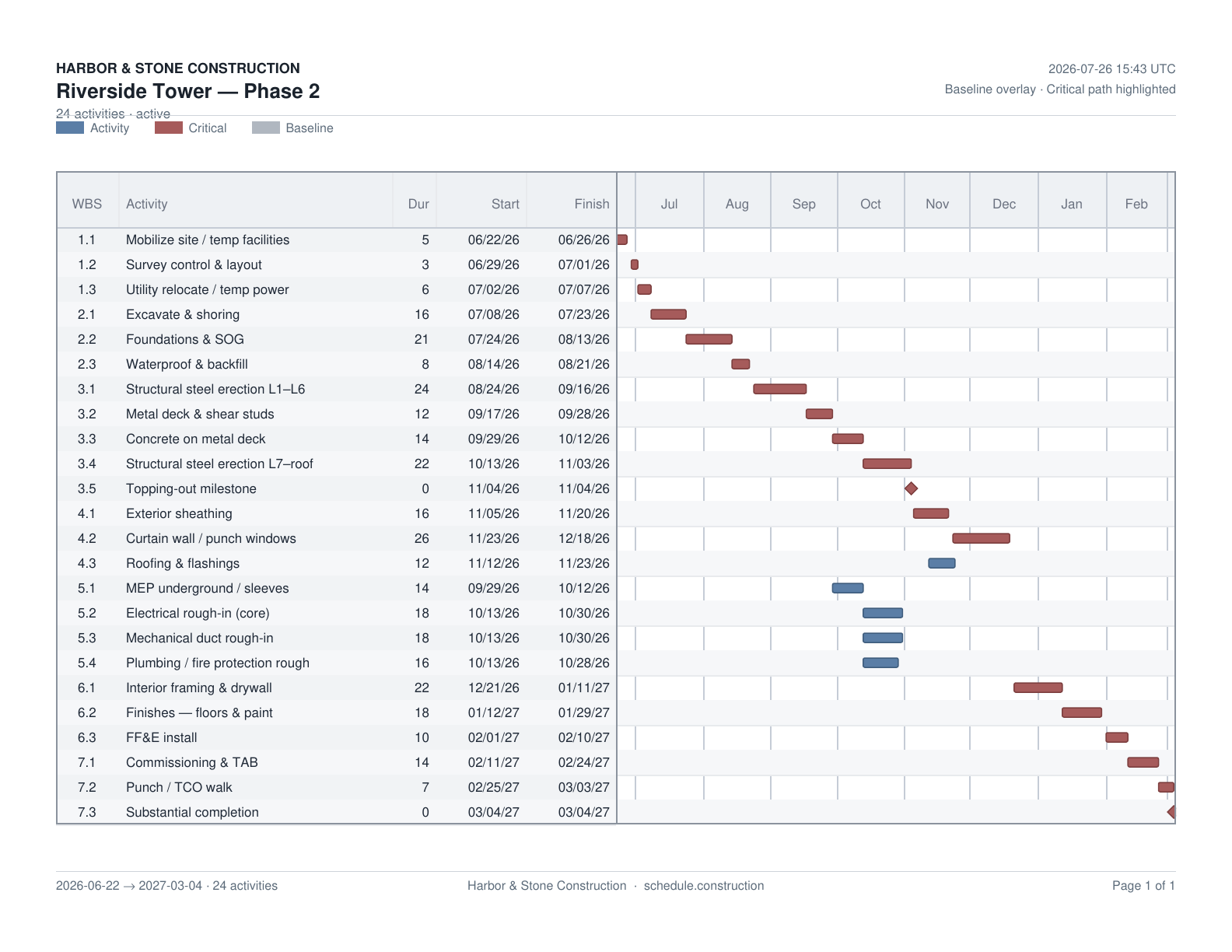
Download a PDF for the meeting, print a field pack for the trailer, or send the lookahead automatically to a saved distribution list.
Lookahead PDF with paper and orientation options
Field pack PDF: a ready-made three-week pack
Weekly emails by day and hour, covering 1 to 12 weeks
Send now, pause, or delete any email schedule
PDF output from the Export menu.
From lookahead to commitments
A lookahead shows what should happen. To get a commitment, build the week on the pull planning board, promise the work on the weekly work plan, and let superintendents record progress from their phones. Their updates flow into the live schedule, and the next lookahead reflects them.
What it doesn't do
It isn't a full list of everything starting soon, because activities with more than 5 days of float are left out until they start
The on-screen view uses a three-week window. Longer windows, up to 12 weeks, are available on scheduled emails.
It reads the schedule rather than replacing it, so bad logic produces a bad lookahead
It is a short-interval plan showing the work scheduled for the next three weeks. Teams use it to coordinate trades and clear what is in the way before the work starts.
Do I need to rebuild the lookahead each week?
No. It reads from the live schedule. Keep progress and dates updated, and the lookahead follows.
Why is an activity missing from my lookahead?
It probably has more than 5 days of total float and hasn't started. Check the Gantt for non-critical work starting soon.
Can I send the lookahead to people who don't have an account?
Yes. Scheduled emails go to the addresses on your distribution list. You can also send a PDF.
Can I look further ahead than three weeks?
Yes, on scheduled emails, which can cover 1 to 12 weeks. The on-screen view uses a three-week window.